How to Connect Group Collector with MailerLite
If you want your Facebook group members automatically added to your MailerLite email list, you need to connect MailerLite as an autoresponder in Group Collector.
This integration ensures that every approved group member is:
- Captured by Group Collector
- Added to MailerLite
- Ready for email campaigns or automations
What You Need Before Starting
You only need two things:
- MailerLite API Key
- MailerLite List/Group ID
- You already have an active MailerLite account
- You have created a group inside Group Collector
- Membership questions are already set
Step 1: Log in to MailerLite and Get Your API Key
The API key allows Group Collector to securely send leads to MailerLite.
- Log in to your MailerLite dashboard.
- From the left menu, go to Integrations
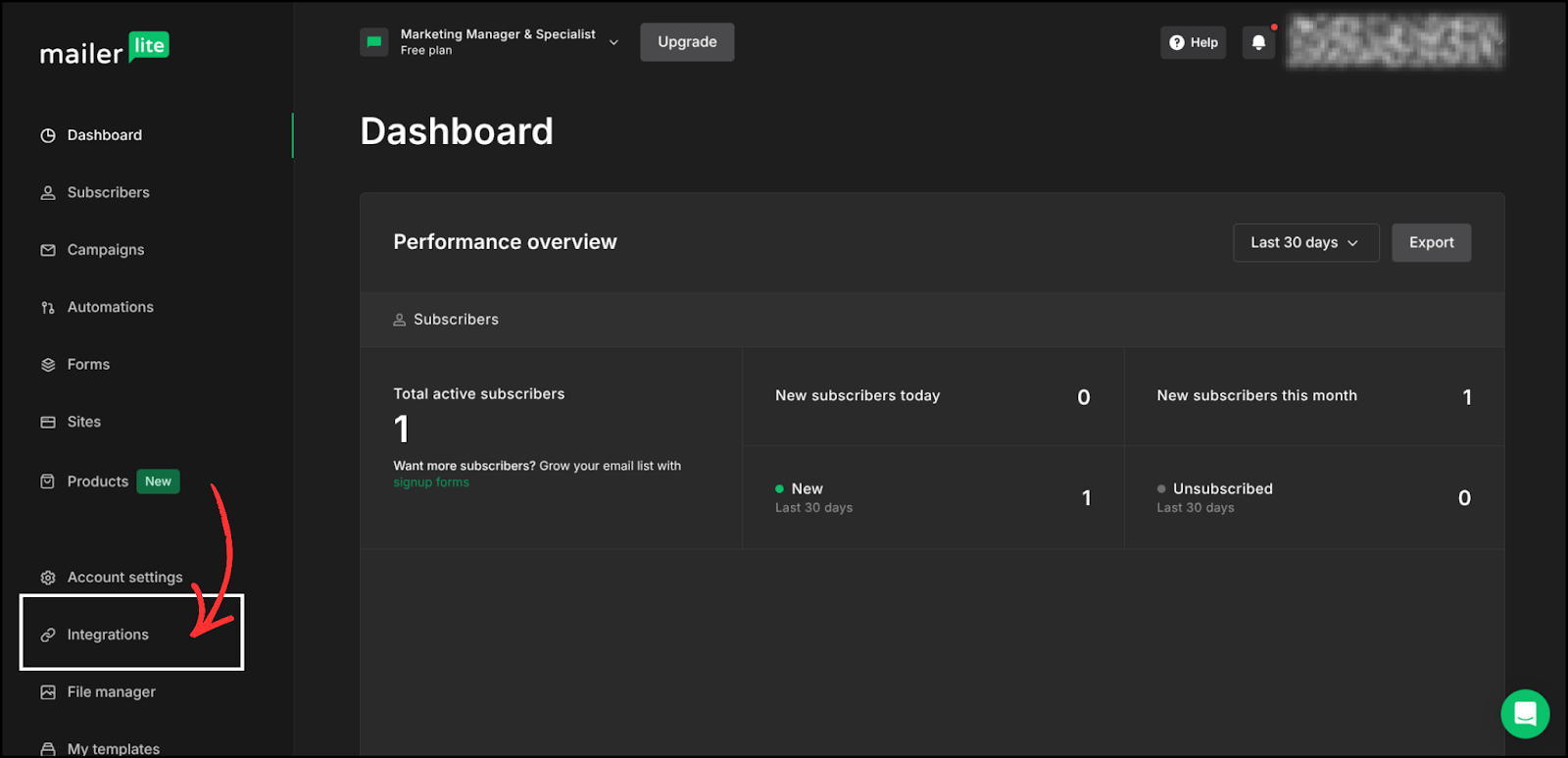
- To get the API, click on Use.
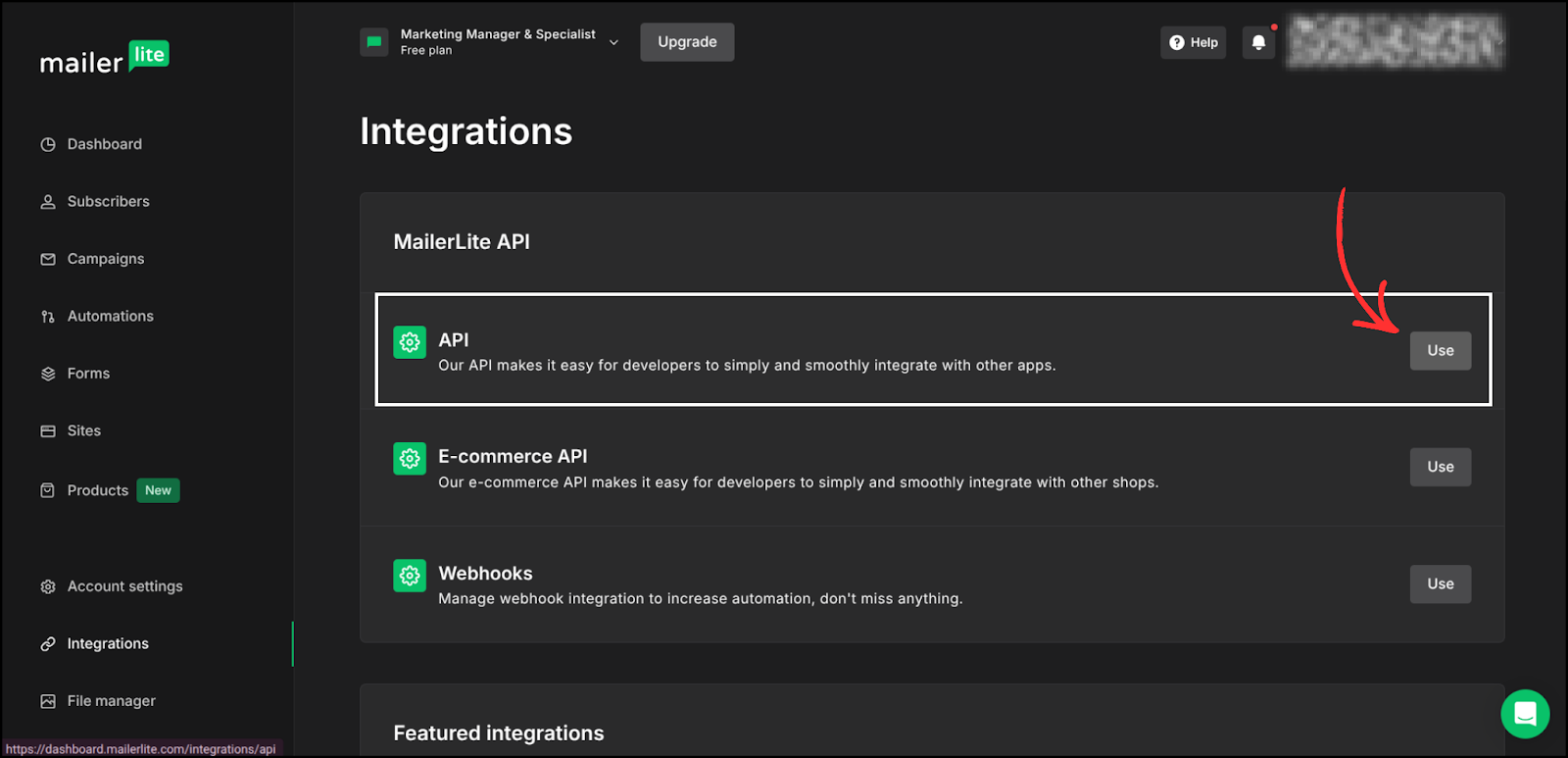
- Enter the token name, click on Generate New Token, and your API token will be created.
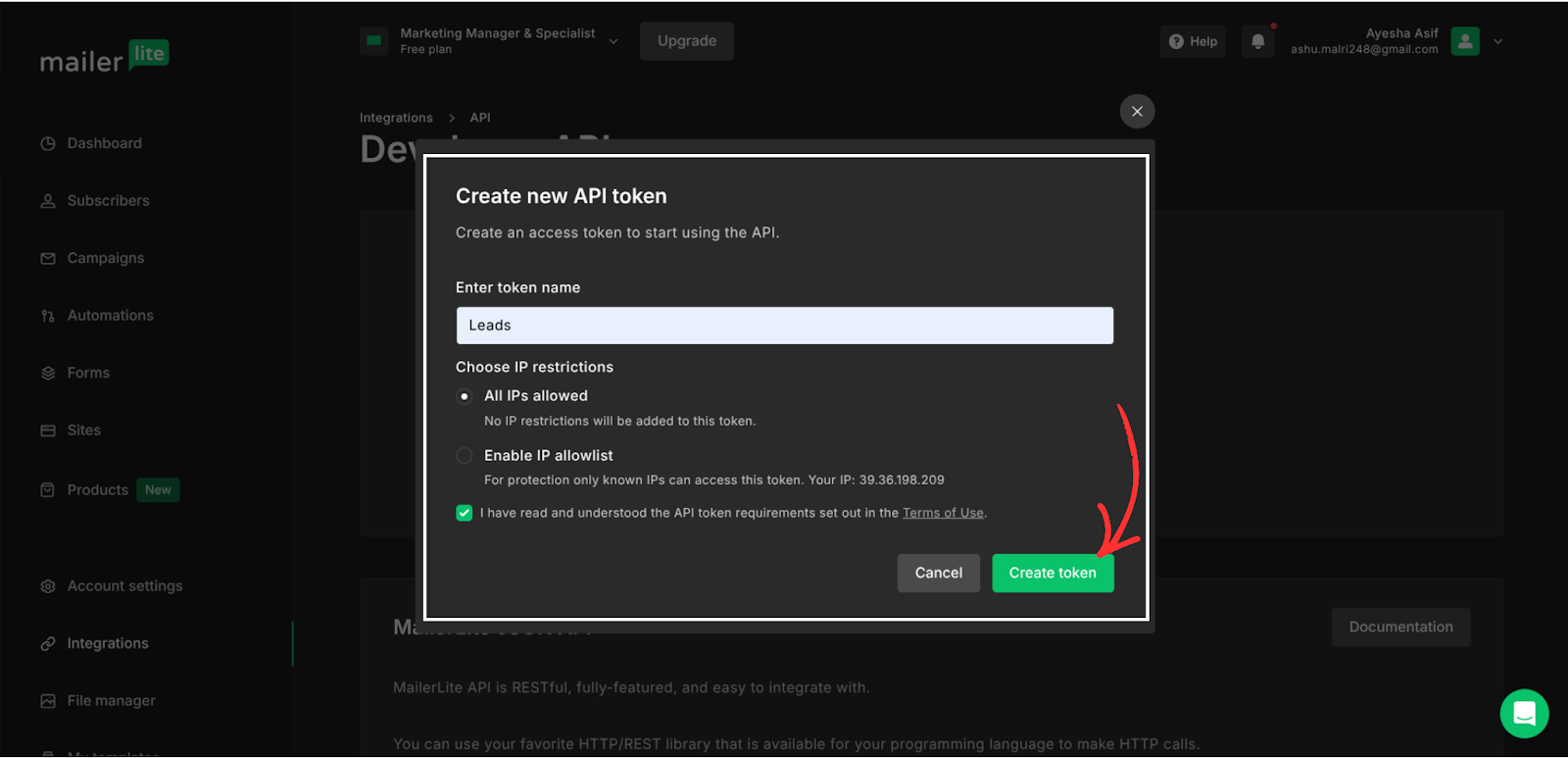
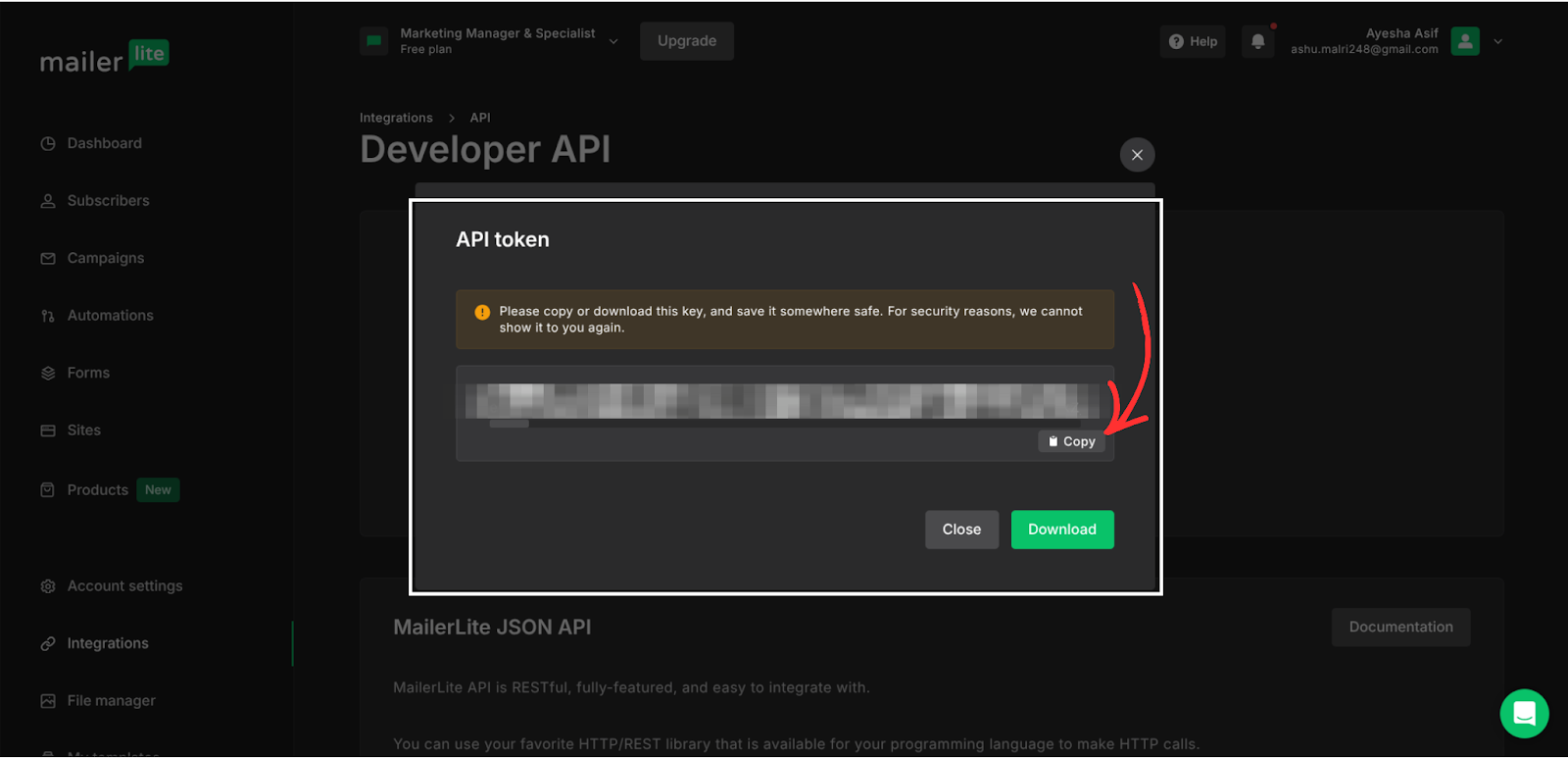
- Copy the API key and save it in Notepad (Windows) or Notes (Mac)
Keep this API key private and secure.
Step 2: Create a Group in MailerLite
MailerLite uses Groups to organise subscribers.
- From the left menu, click Subscribers.
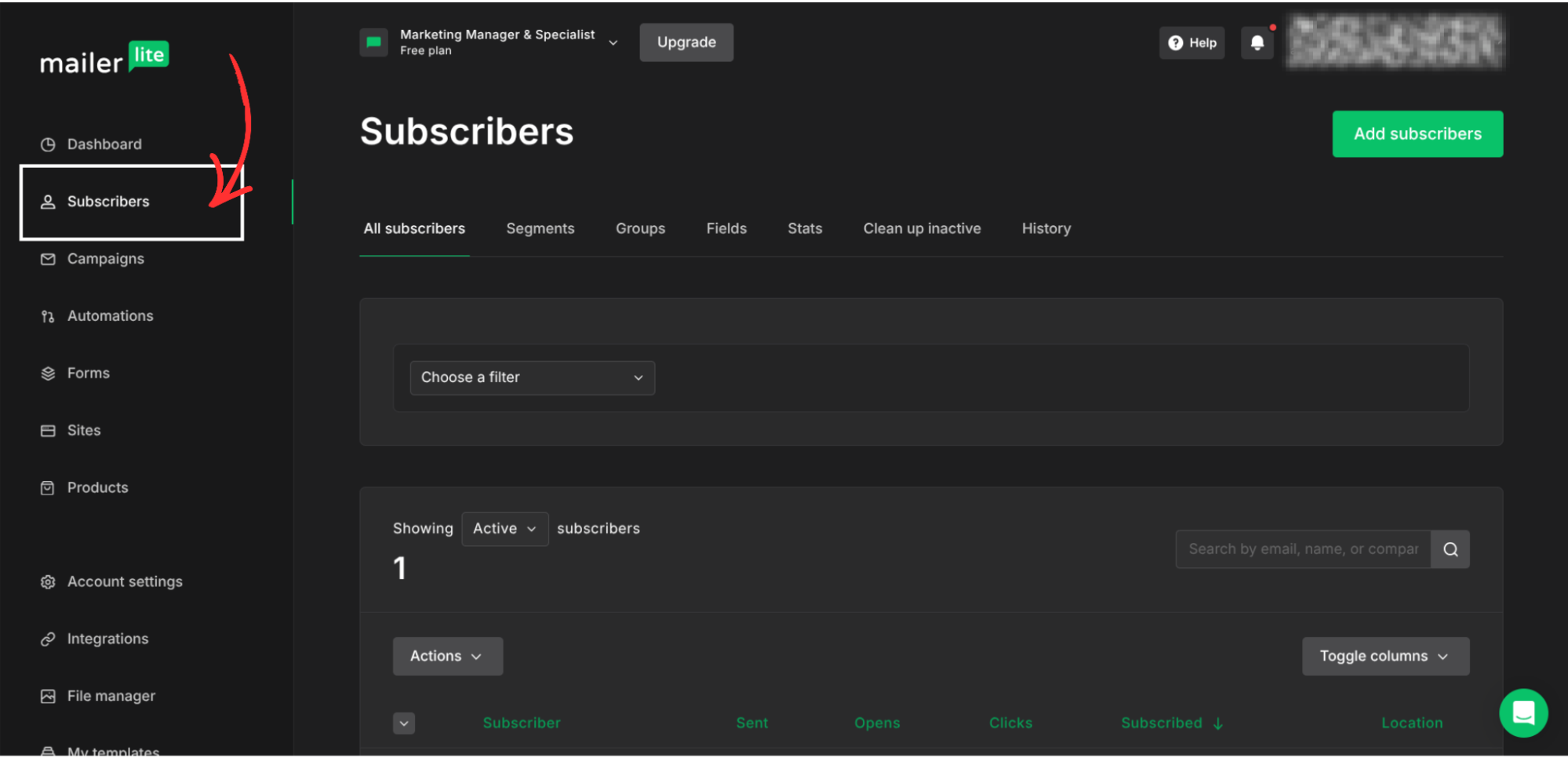
- Click on Groups
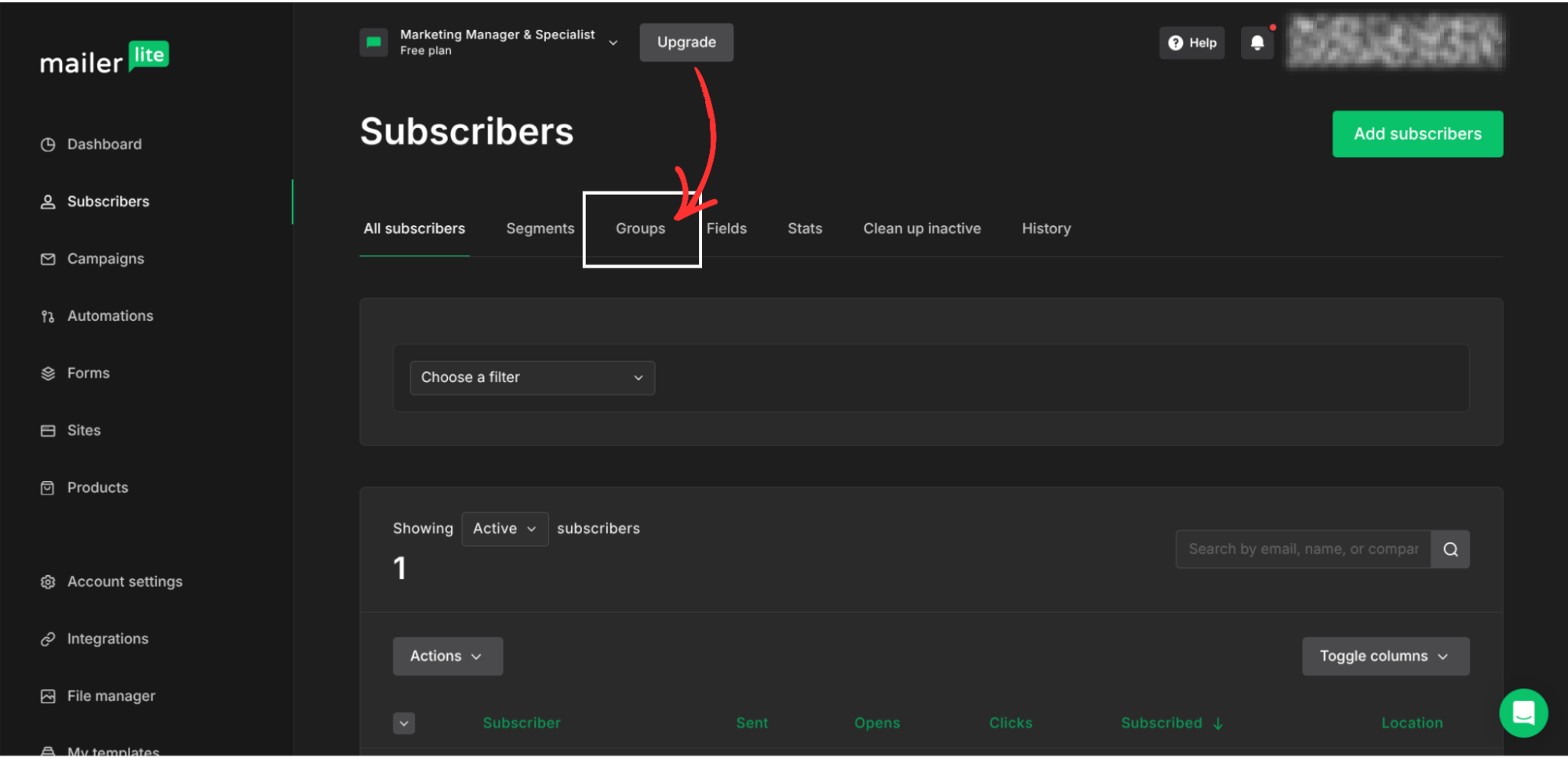
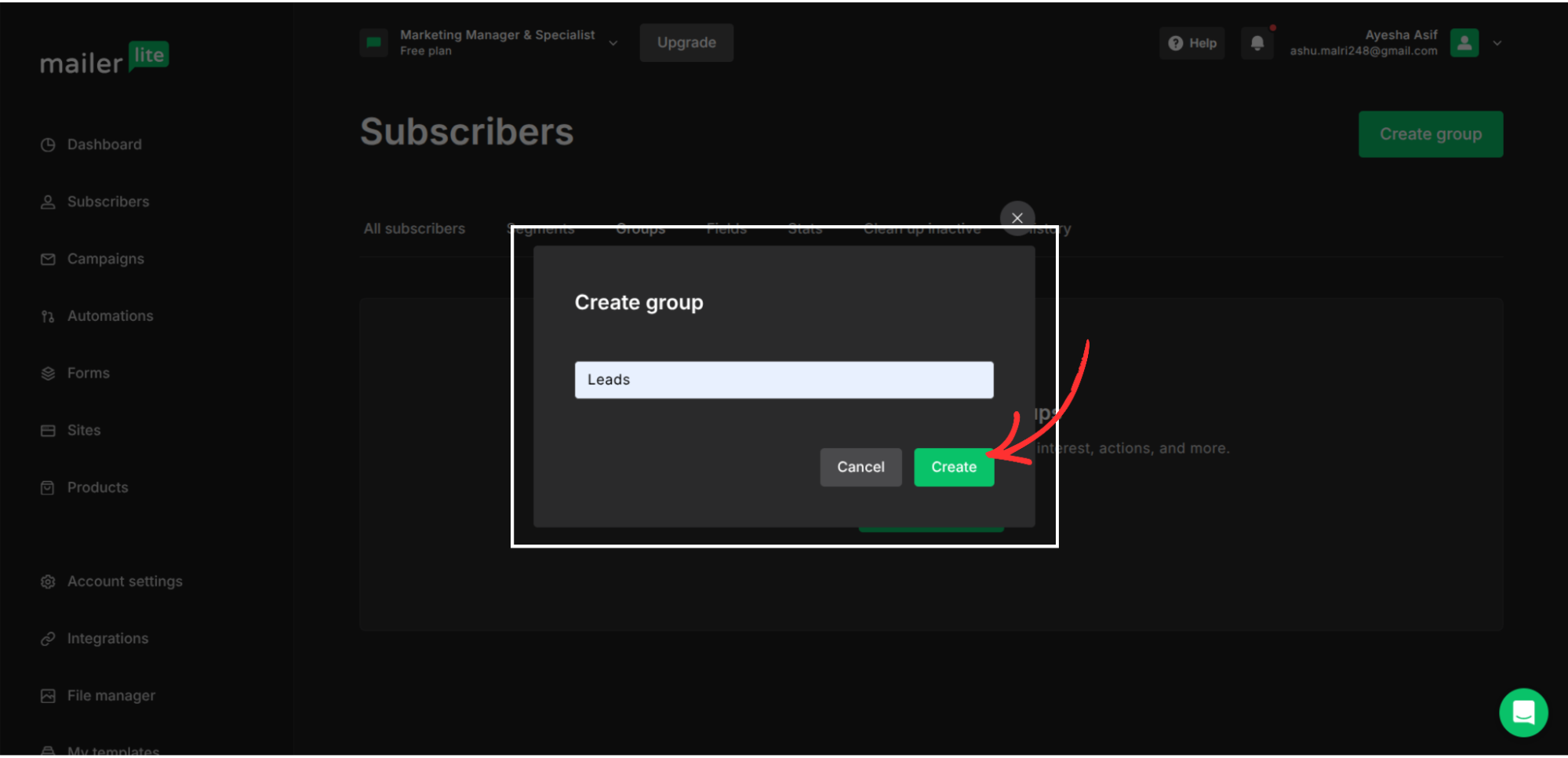
- Click Create group
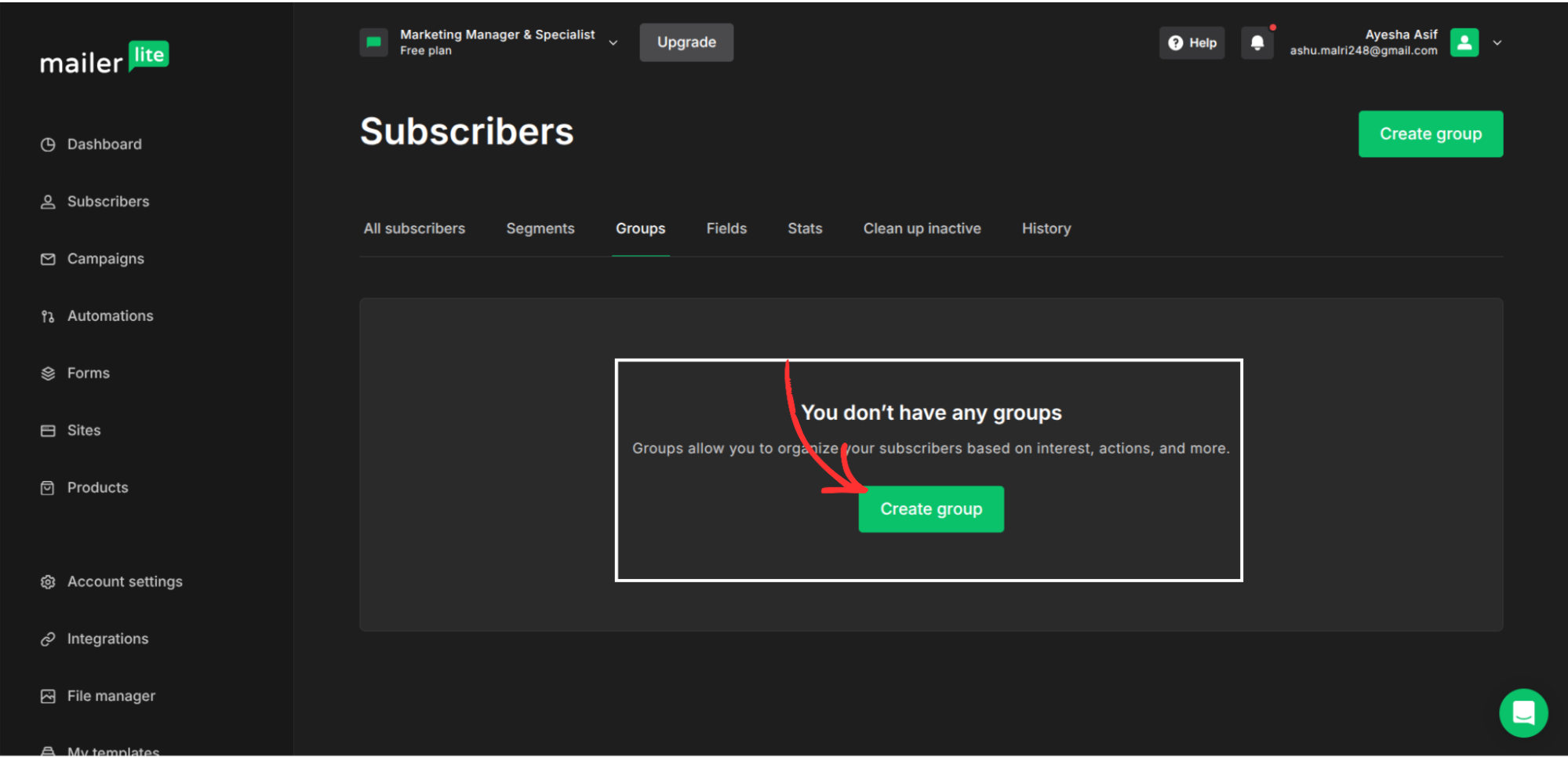
- Name your group whatever you want (e.g., Leads).
- Click Create, and your group will be created.
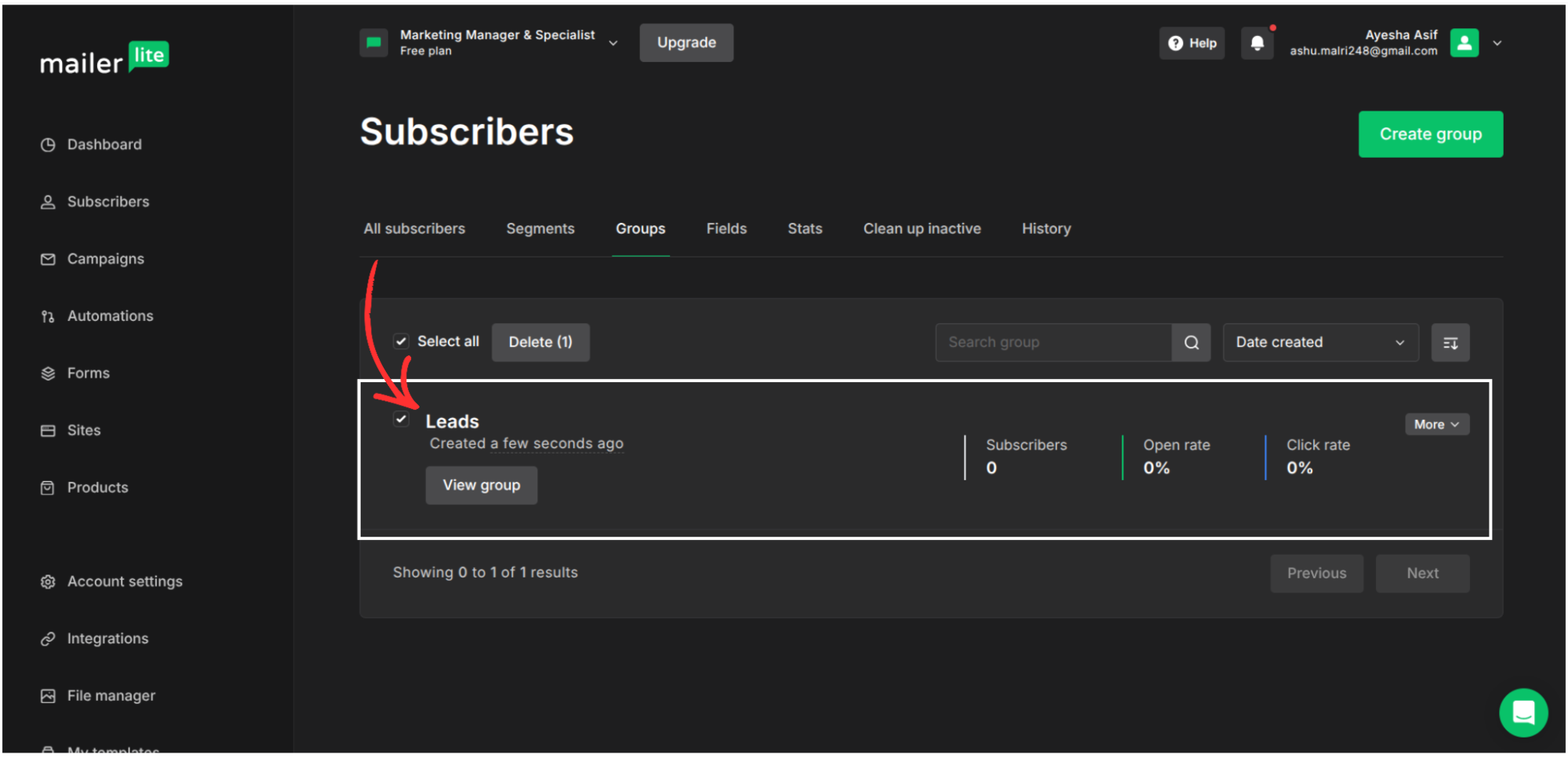
This group will receive all subscribers coming from Group Collector.
Step 3: Find Your MailerLite Group ID
Group Collector requires the Group ID, not just the group name. Go inside integrations -> API, scroll down, and you'll see GroupID.
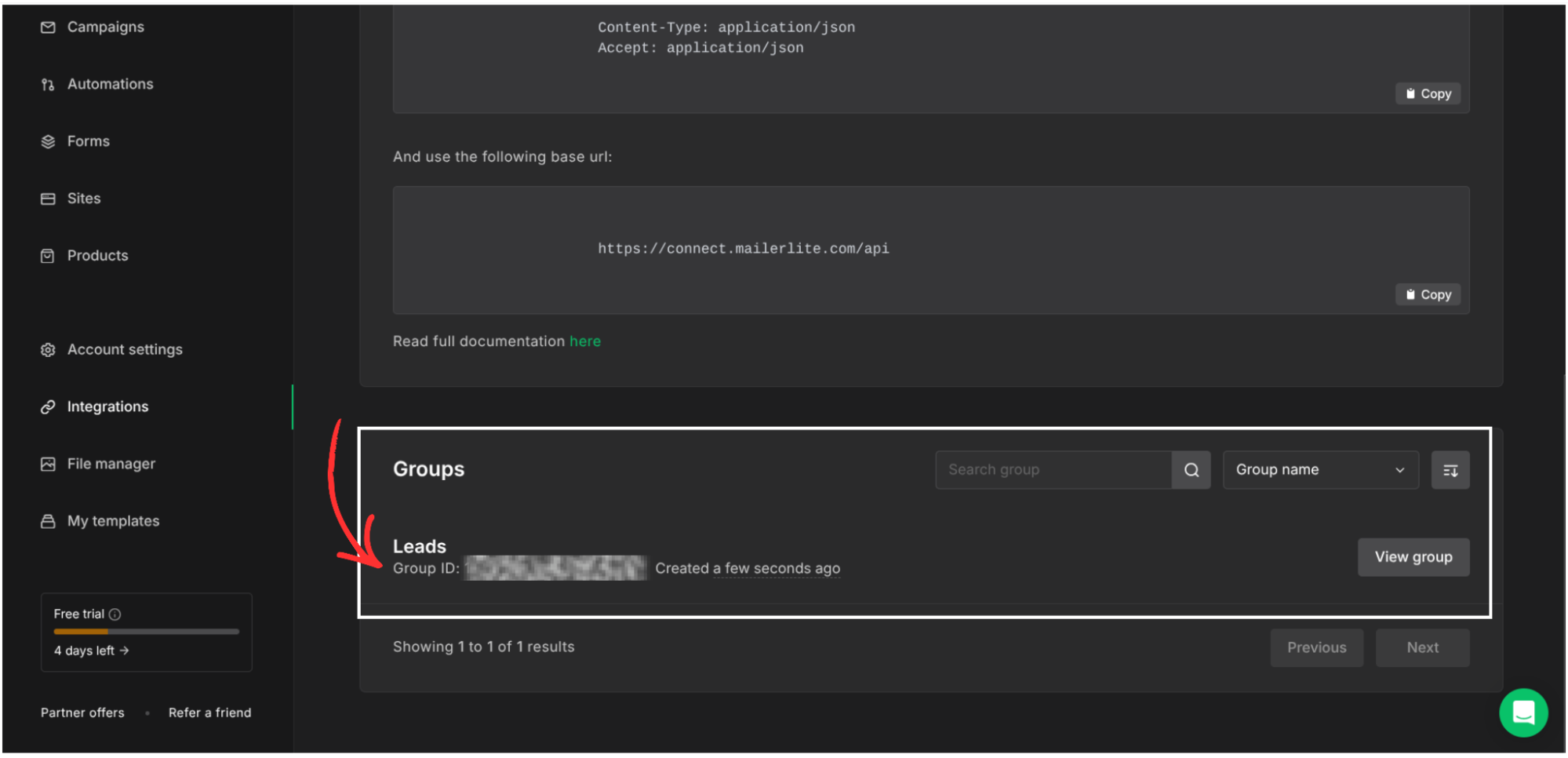
Copy only the number and save it in Notepad/Notes.
Step 4: Select MailerLite as Your Autoresponder in Group Collector
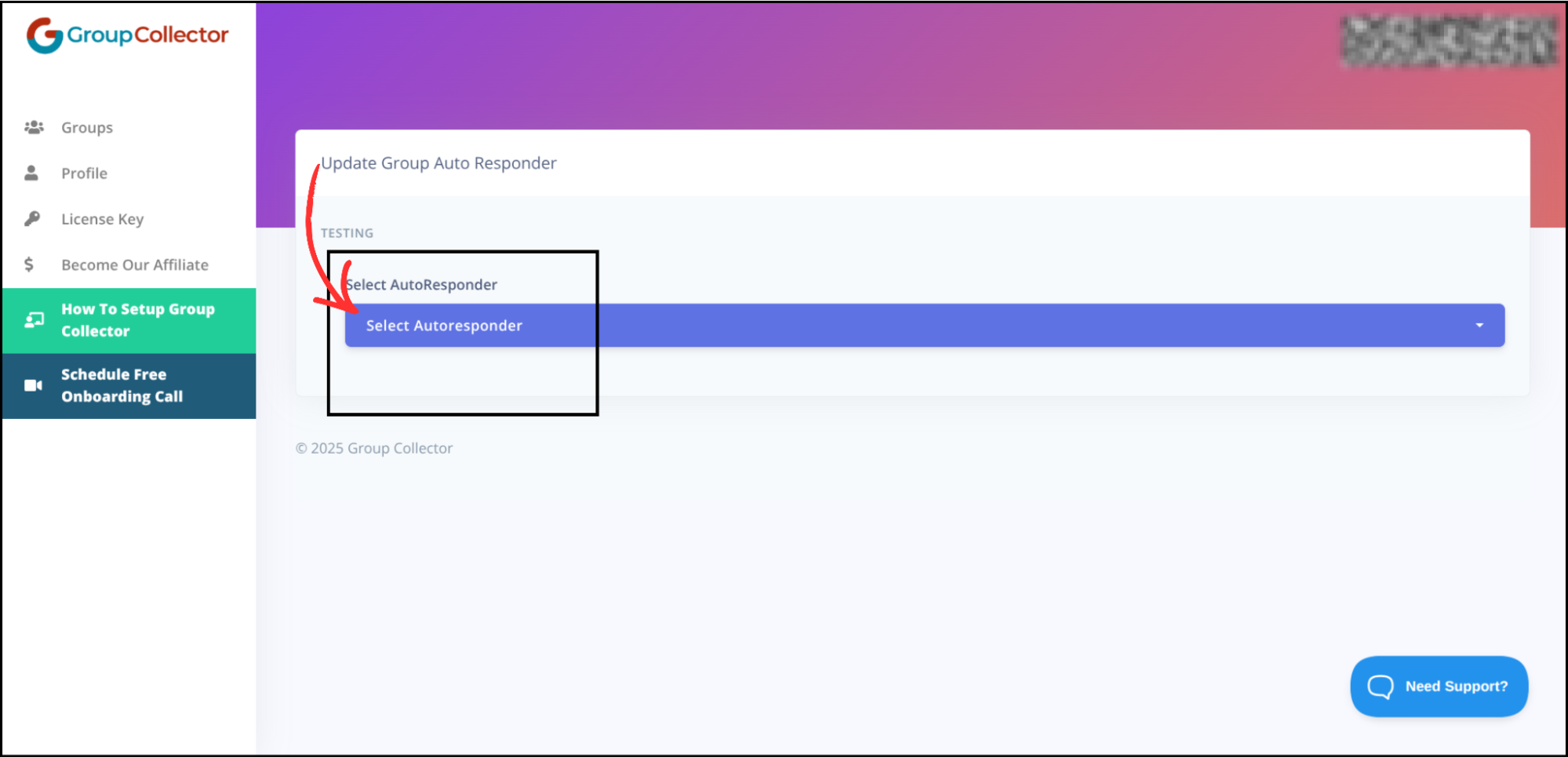
Open the Group Collector dashboard. You will see the Autoresponder option. Click Add to add an autoresponder.
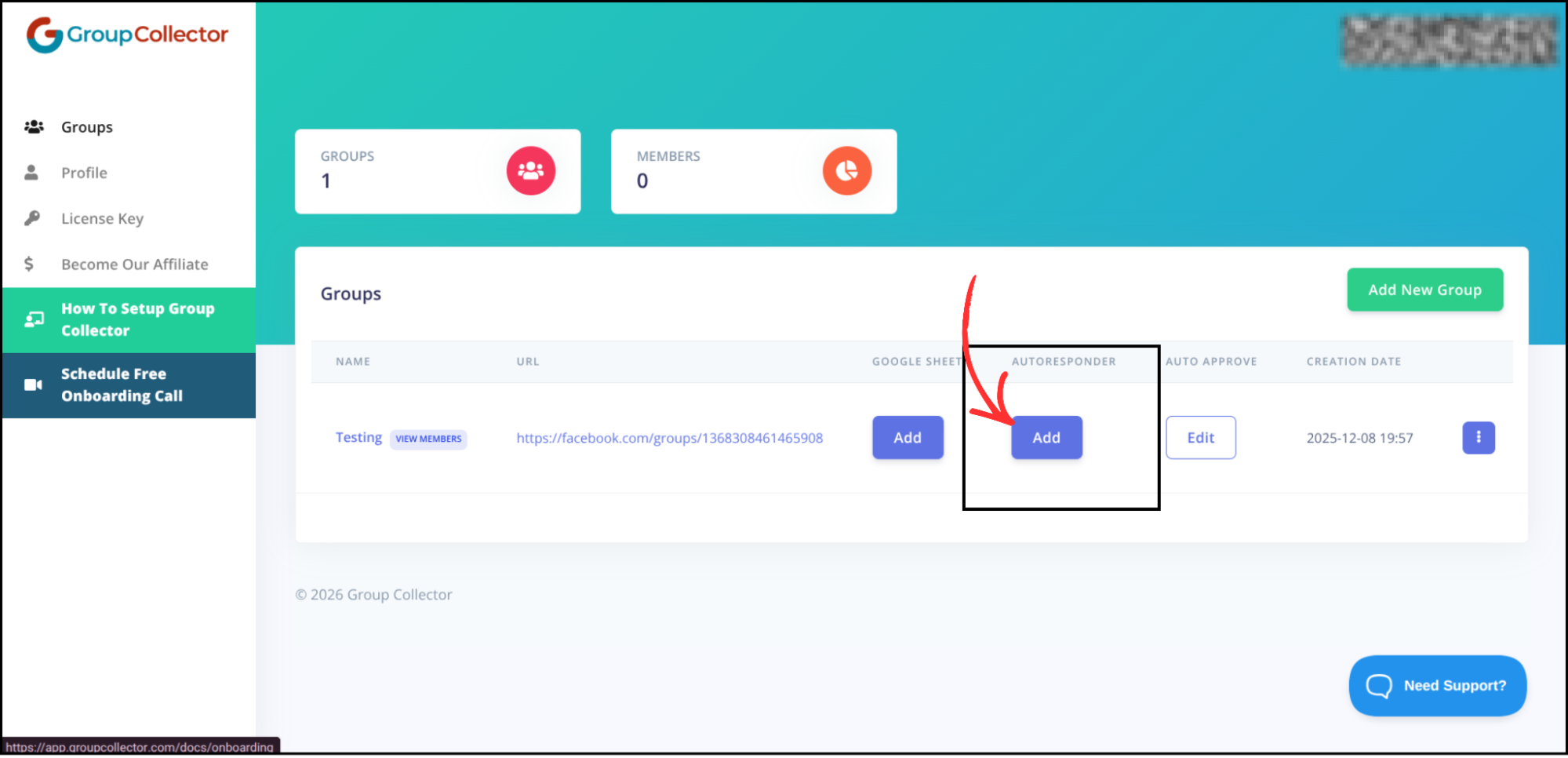
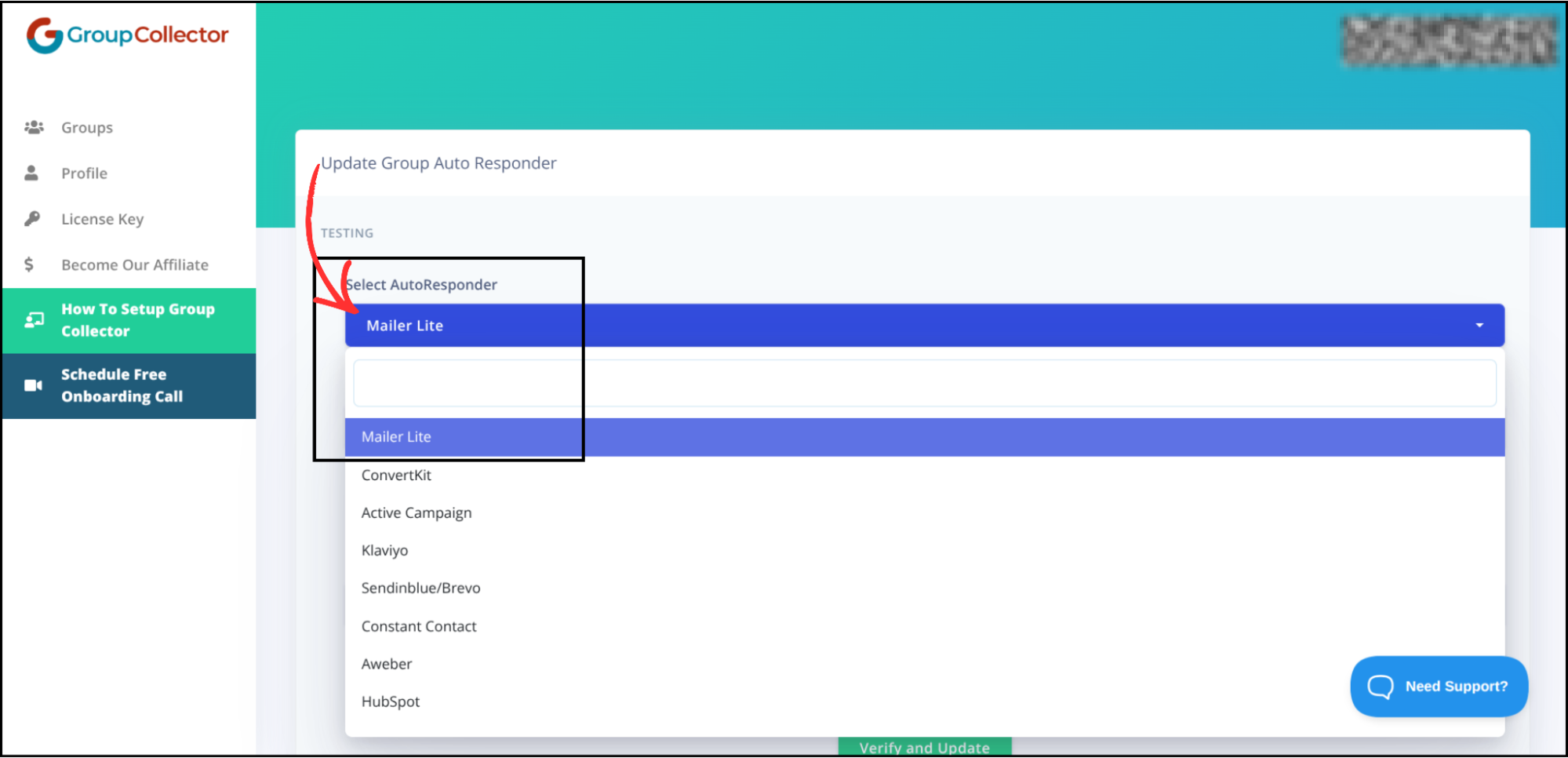
A list of available autoresponders will appear. Select MailerLite from the list.
Step 5: Enter MailerLite Credentials in Group Collector
Open Notepad/Notes where you saved the credentials.
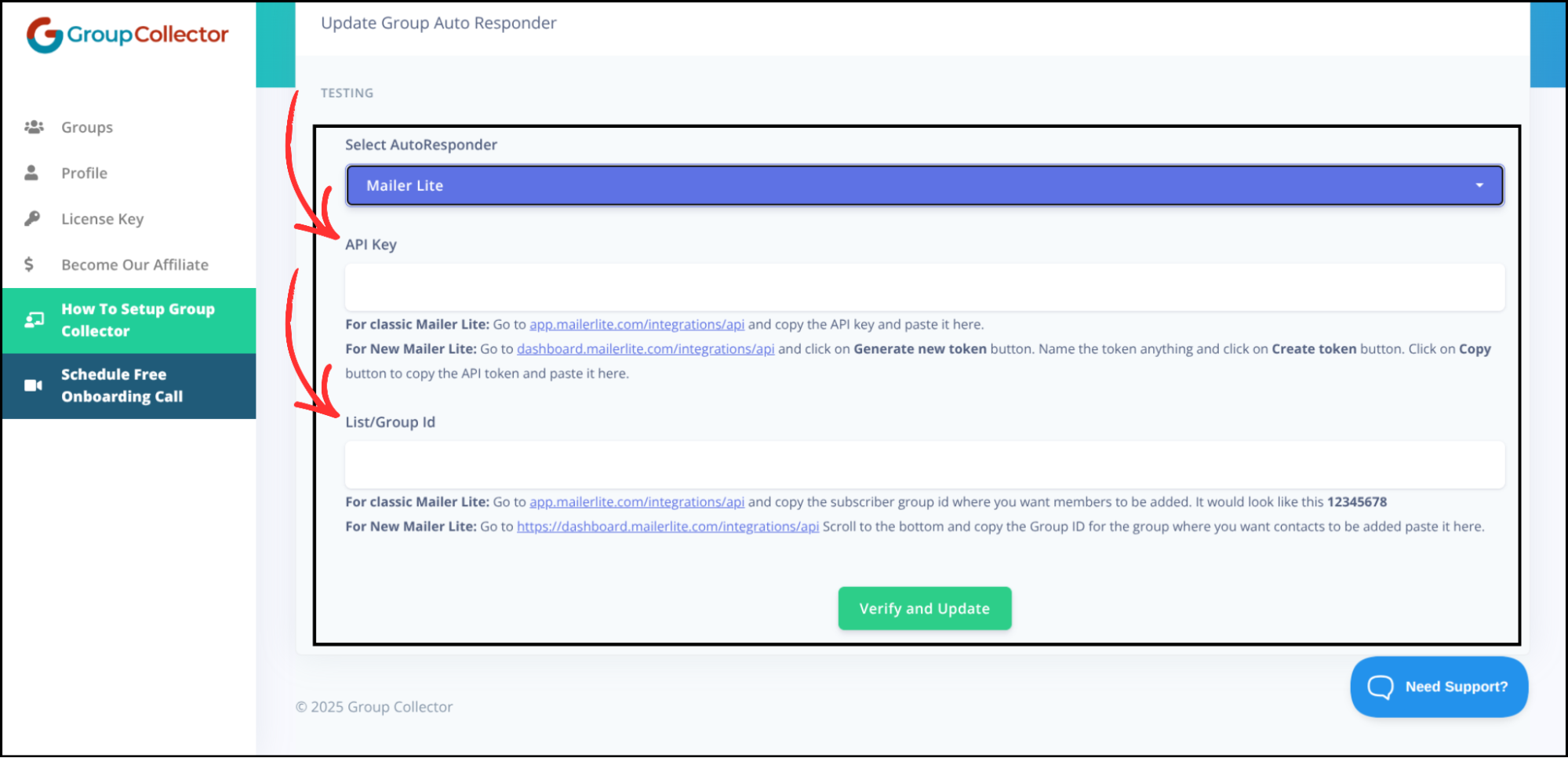
Enter the following details into Group Collector:
- API Key → Paste your MailerLite API key
- Group ID → Paste the MailerLite Group ID
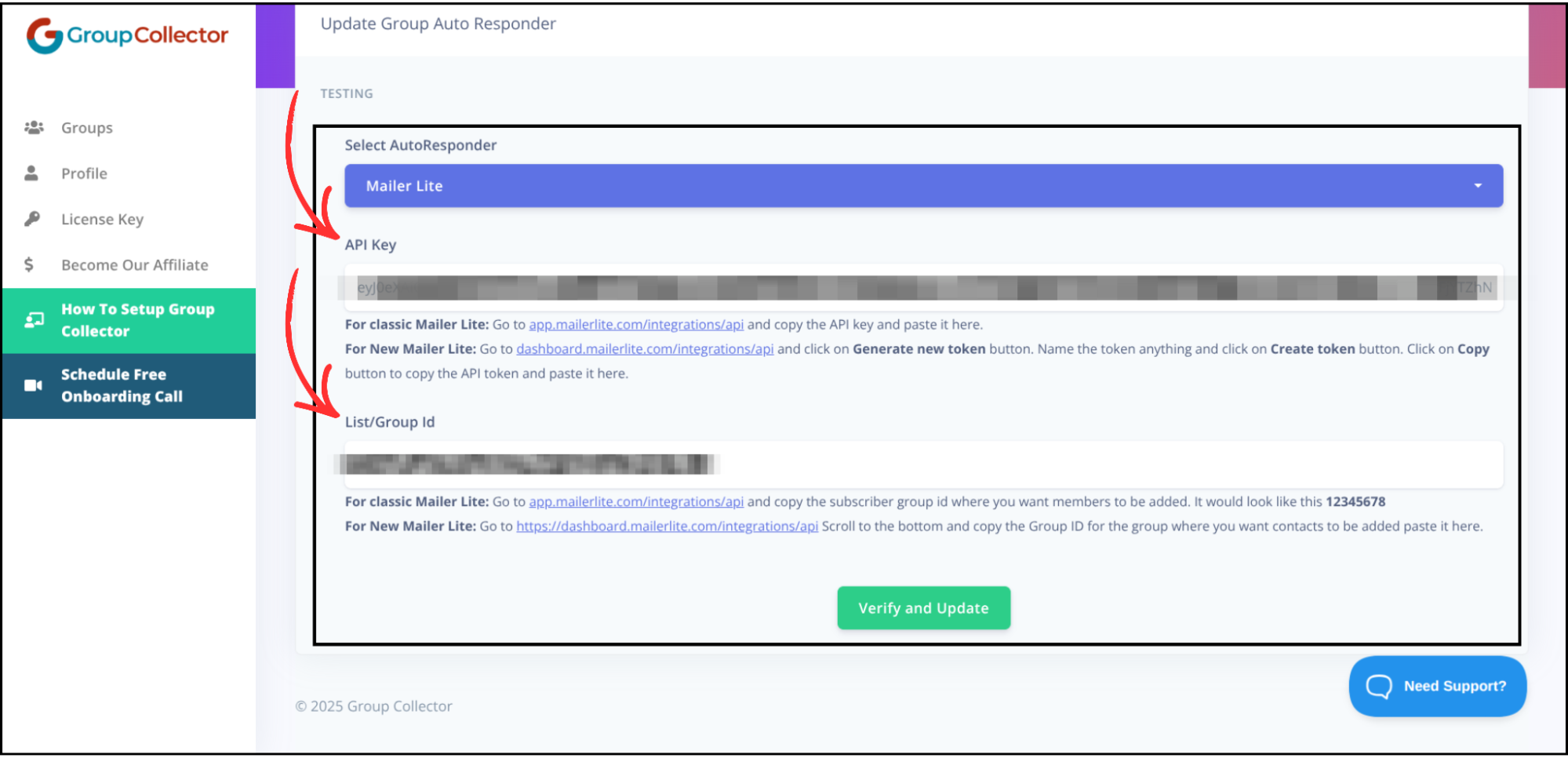
Double-check both values to avoid errors.
Step 6: Verify and Save the Integration
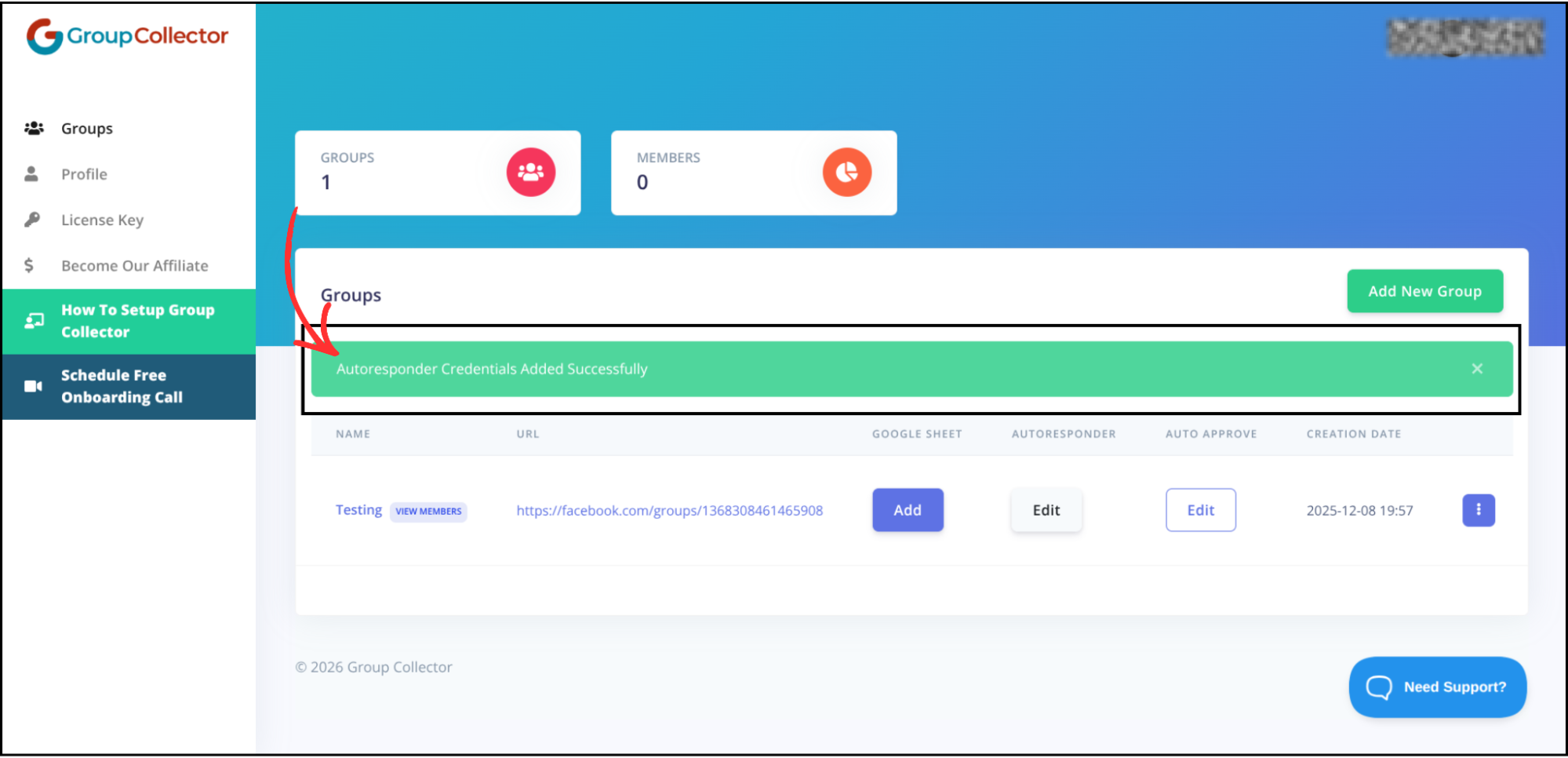
Click Verify & Update. MailerLite will be successfully added as an autoresponder in Group Collector.